

Key Takeaways
- Firmographic data describes a business using attributes like industry, size, revenue, and location. Its value comes from combining these filters, not using them in isolation.
- Pair an industry code (SIC for Standard Industrial Classification, NAICS for North American Industry Classification System) with company size (employee count) to target businesses that fit a specific sales motion, not just a broad category.
- Use revenue bands and geographic territory filters together to define a serviceable market of companies with sufficient budget authority and proximity.
- Because industry classification systems like SIC and NAICS do not map one-to-one, check counts under both to avoid silently missing a portion of your target market.
- For active outbound programs, refresh firmographic lists at least quarterly. Business data decays as companies move, change headcount, or close, so a list’s accuracy declines the longer it sits.
Firmographic data is a set of characteristics used to describe and segment business entities. While accurate, that definition isn’t where sales and marketing teams get stuck. The real challenge is operational. It lies in knowing which firmographic fields to combine, how different industry classification systems create gaps in coverage, and how quickly those records lose accuracy after they are compiled.
A list is only as good as the filters used to create it. This guide covers the specific fields, filter combinations, classification logic, and verification cadence that determine whether a firmographic list produces qualified prospects or wasted outreach, and applies them to several underserved verticals. It also addresses the practical realities of data decay and the compliance responsibilities that attach to any outbound prospect list.
What Firmographic Data Is
Think of firmographic data as the B2B equivalent of demographic data for consumers. Where demographics describe a person (age, income, location), firmographics describe a company, using fields like industry classification, employee count, annual revenue, geographic location, ownership structure, and years in business.
In a prospecting platform, you would encounter these as specific search filters:
- Industry: SIC (Standard Industrial Classification) Code, NAICS (North American Industry Classification System) Code
- Company Size: Employee Count Range, Annual Revenue Band
- Geography: State, County, ZIP Code, Radius
- Business Status: Years in Business, Headquarters vs. Branch Location
- Ownership: Business Entity Type (Corporation, Limited Liability Company (LLC), Sole Proprietorship)
It is also useful to distinguish firmographic data from two adjacent data types. Technographic data describes the technology a company uses (e.g., its customer relationship management, or CRM, software or its marketing automation platform). Intent data tracks behavioral signals that suggest active buying interest. Firmographic data tells you if a company fits your target profile; technographic and intent data can help you determine if the timing is right for outreach.
The Firmographic Fields That Determine List Quality
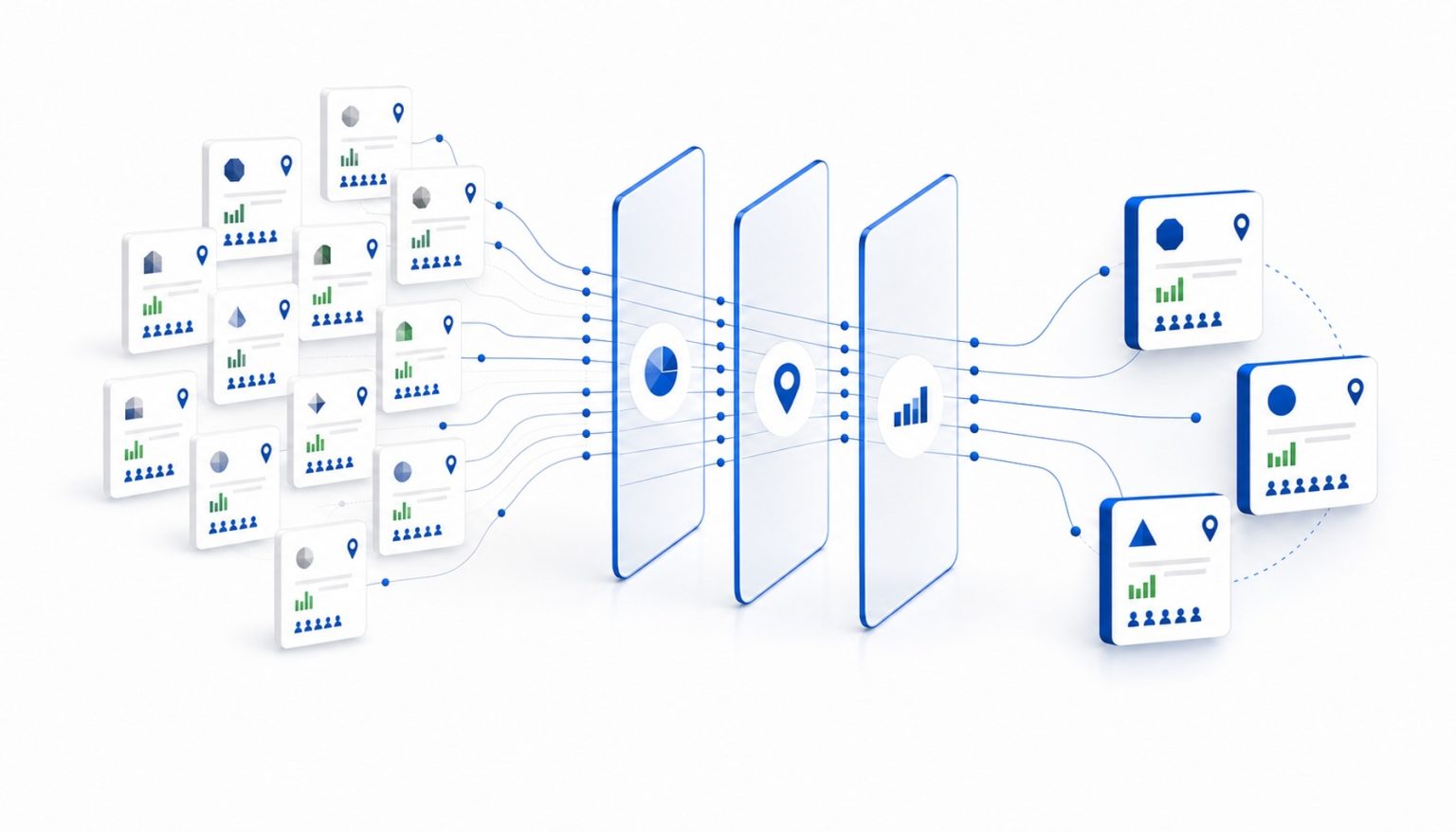
Listing firmographic attributes is straightforward. The more difficult question is which combinations of fields produce a list worth calling, emailing, or mailing. Building a high-quality prospect list is about layering filters to add precision, not just applying them one at a time. The following three filter clusters are foundational for building targeted outbound lists.
Industry Classification Plus Company Size
Industry code alone often produces lists that are too broad to be actionable. For an insurance agent prospecting businesses for group health plans, filtering by SIC codes for professional services such as legal offices or accounting firms is a start. Layering an employee count filter, such as 10–50 employees, narrows the list to companies within the size range the agent’s group plans are built for. Without a size filter, a single export can mix solo practitioners with much larger firms, and those prospects do not fit the same sales conversation. The key takeaway is that industry and company size are a minimum viable filter pair, not standalone selects.
Revenue Band and Geographic Territory
Annual revenue range captures something employee count does not: in capital-intensive industries, a 15-person manufacturer and a 15-person service firm can report very different revenue. To apply this to manufacturing prospects in a defined territory, filter by an annual revenue band (for example, above $5M) and a specific geography (state, metro area, or ZIP code radius). The result is a list of companies that meet your revenue threshold and sit within reach of your sales motion. Revenue and geography together define a serviceable market, not just a target profile. When the goal is repeated outreach to every qualifying business within a tight geographic area, InfoFree calls that approach Saturation Marketing, and the same geography filters define its boundaries.
Entity Type and Years in Business
Business entity type and years in business are two underused filters that help identify decision-maker accessibility and business stability. If you sell commercial cleaning contracts, you can filter for LLCs and corporations with 3+ years in business and 20+ employees in a defined metro area. This combination screens out sole proprietorships and businesses under three years old, narrowing the list to businesses that match the profile of an established commercial client. Entity type also matters because the decision-making structures of a sole proprietorship, a partnership, and a subsidiary call for different outreach approaches.
Read more: Decision Maker Lists – Email, Phone and Mailing Lists from InfoFree
How SIC Codes and NAICS Codes Differ and Why It Matters for List Building
A common operational challenge in list building is that a user who filters by an SIC code may miss records classified under NAICS, and vice versa. The two systems do not map one-to-one.
SIC is the older, four-digit system still widely used in compiled business databases. NAICS is the six-digit replacement used by federal statistical agencies like the U.S. Census Bureau. In practice, a list of commercial kitchens pulled using SIC Code 2099 (Food Preparations, Not Elsewhere Classified) and a parallel pull using a NAICS code like 311999 (All Other Miscellaneous Food Manufacturing) may return only partially overlapping sets of records.
This creates a practical problem: relying on a single classification system can cause you to silently miss a portion of your target market. The guidance for practitioners is to check if your data provider supports both classification systems and to run counts under each before finalizing a list.
Firmographic Targeting for Underserved Verticals
Firmographic targeting is straightforward for broad categories like technology or professional services, but it is less intuitive for verticals where the industry classification is ambiguous. Here is how to approach three of them.
Medical Offices: To target private practices rather than large hospital systems, start with SIC 8011 (Offices and Clinics of Doctors of Medicine). Layering a filter for employee count (e.g., 5-50) and a specific geographic area isolates practices where the decision-maker is typically the practice owner or office manager, not a procurement department. The matching NAICS code is 621111 (Offices of Physicians, except Mental Health Specialists). Because these practices handle patient information under HIPAA (the Health Insurance Portability and Accountability Act), vendors whose services touch that information are typically asked to sign a business associate agreement alongside the service contract.
Coworking Spaces: These businesses are difficult to isolate with a single code, often falling under broad real estate categories like SIC 6512 (Operators of Nonresidential Buildings). The closest NAICS equivalent, 531120 (Lessors of Nonresidential Buildings, except Miniwarehouses), is just as broad, so under either system you need to combine the industry code with a business name or keyword filter (e.g., “coworking,” “flexible office”). The decision-maker is usually a location manager or founder. Operators sell flexible memberships rather than long-term leases and work within the terms of their own building lease and local occupancy and fire codes, both of which can shape the vendor agreements they sign for services like cleaning, internet, or furniture.
Commercial Kitchens: These facilities, used for catering, food production, and delivery-only restaurants, are often classified under SIC 2099 (Food Preparations, Not Elsewhere Classified), with NAICS 311999 (All Other Miscellaneous Food Manufacturing) as a parallel code. Because these codes also include other food businesses, filtering by employee count or square footage can help separate small catering teams from larger food production operations. The decision-maker is usually the owner or a kitchen operations manager. These businesses operate under local health department permits and food safety inspections, and shared or commissary kitchens rent space to tenants by the hour or month, so the operator, not each tenant, is typically the party that signs vendor contracts for equipment, sanitation, or pest control.
How Firmographic Data Decays and How Often to Refresh It
Firmographic data is not static. Companies change addresses, hire or lose employees, get acquired, or close, and each of those changes makes an existing record less accurate. The longer a list sits after export, the more of these changes it misses, which shows up as returned mail, bounced emails, and wrong numbers.
Because decay never stops, the solution is to treat list building as a continuous process. For active outbound programs, refresh or re-pull firmographic lists at least quarterly. For high-volume calling programs or programs built on mailing lists, track wrong-number and returned-mail rates and shorten the refresh cycle if those rates climb.
Before subscribing to any data platform, ask three questions:
- How often are records re-verified?
- What verification method is used (e.g., phone, mail, public filings)?
- What is the stated accuracy rate for business records specifically?
Compliance Responsibilities When Using Firmographic Prospect Lists
Building a firmographic list is the research step. Acting on that list by calling, emailing, or mailing triggers a separate set of legal obligations. It is critical to understand that the data user, not the data provider, is responsible for compliance.
That responsibility covers following all local, state, and federal laws, including scrubbing phone numbers against the Federal Trade Commission’s Do Not Call (DNC) registry, adhering to the Telephone Consumer Protection Act (TCPA) for calls and texts, and following the CAN-SPAM Act (Controlling the Assault of Non-Solicited Pornography and Marketing Act) for email. InfoFree is not liable for how you use the data it provides.
How InfoFree Handles Firmographic Data from Compilation to List Export
The quality of a firmographic list depends on the compilation process, the filter depth, the verification cadence, and the workflow for acting on the data. Here is how InfoFree handles each of them.
The business database is compiled in-house from thousands of sources, and business records are triple-verified to achieve a 95% accuracy rate for business data. Users can filter by SIC code, NAICS code, employee count, revenue range, geography (state, county, ZIP, radius), executive title, and more within the same search interface. This allows for the kind of filter layering described in this guide.
Because InfoFree provides unlimited search and view access on all plans, users can run counts and refine lists as often as needed before exporting records. Export limits vary by plan. The platform also includes CRM101, a tool for managing leads and tracking outreach, which helps shorten the handoff from list building to follow-up. For teams that also serve consumers, the same platform and workflow provide access to a separate database of consumer and household data for business-to-consumer (B2C) prospecting.
Search InfoFree’s business database by SIC code, employee count, revenue, and geography
From Data to Actionable Prospecting
Firmographic data is the foundation of B2B list building, and a list’s quality depends on how that data is applied: which fields you combine, whether your classification coverage spans both SIC and NAICS, and how recently the records were verified. Teams that refresh lists on a set cadence, test filter combinations, and track which segments convert can use those results to adjust the filters for the next pull, so each list builds on what the previous one showed.
Read more: Sales Leads Lists from InfoFree | Business & Consumer
Frequently Asked Questions
What is the difference between firmographic data and technographic data?
Firmographic data describes what a company is its industry, size, revenue, and location. Technographic data describes what technology a company uses its CRM, marketing automation, or cloud infrastructure. Firmographic filters identify if a company fits your target profile; technographic data helps you tailor the message or assess product compatibility.
What is firmographic segmentation?
Firmographic segmentation is the practice of dividing a business market into groups based on shared company attributes, such as industry, employee count, revenue, or geography. This allows for targeted messaging and outreach. It is the B2B equivalent of demographic segmentation and the first step in defining an ideal customer profile for outbound programs.
How do I reduce duplicate contacts when downloading firmographic records into my CRM?
Before importing, run a record-level deduplication against your existing CRM data using company name, address, and phone number as match keys. After import, use your CRM’s duplicate detection tools to merge any remaining duplicates. Establishing a suppression file of companies already in your pipeline before each new export helps prevent the problem at the source.
What is the difference between compiled business data and purchased leads?
Compiled business data is a database of company and executive records that a user can search and filter to build custom lists. Purchased leads are pre-built lists of prospect records supplied by a vendor. Functionally, the two serve the same purpose: both supply prospect records for outbound programs, and the same filtering, verification, and compliance considerations apply to either.
How do small sales teams use firmographic data without a dedicated data operations staff?
A small team can use a self-service prospecting platform that handles the data compilation, verification, and filtering. The user defines their target profile (industry, size, geography), reviews the search results, and exports a list. The key is a platform where search and filtering do not require a data engineer. The user remains responsible for list hygiene and for following all local, state, and federal laws when acting on the data; InfoFree is not liable for how the data is used.
What role does data provenance play when evaluating a firmographic data provider?
Data provenance refers to where records come from and how they are verified. A provider that compiles its own data can answer questions about its accuracy methodology and refresh cadence. A provider that only resells a third-party file may not know how or when the underlying records were last verified. Asking about provenance helps you assess if a stated accuracy rate is backed by a traceable process.